[root@localhost /]# rpm -qa | grep ssh
openssh-askpass-4.3p2-16.el5
openssh-clients-4.3p2-16.el5
openssh-4.3p2-16.el5
openssh-server-4.3p2-16.el5
[root@localhost /]# useradd sshuser
[root@localhost /]# passwd sshuser
Changing password for user sshuser.
New UNIX password:
Retype new UNIX password:
passwd: all authentication tokens updated successfully.
[root@localhost /]# service sshd start
启动 sshd:                                                [确定]
[root@localhost /]#2.Windows7使用putty连接RHEL5
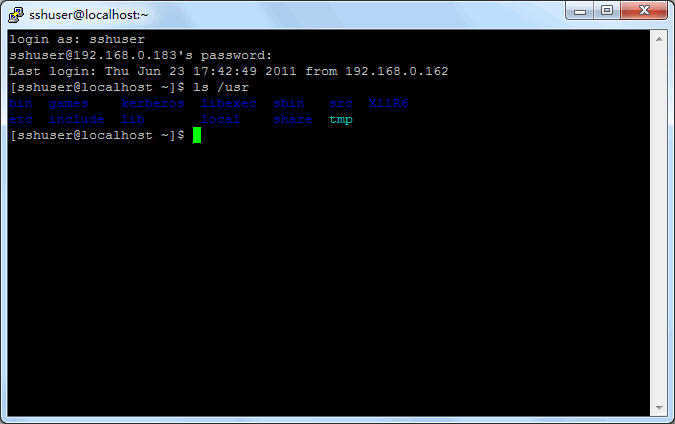
下载putty,解压后运行putty.exe,连接步骤如下:

评论(0)
暂无评论。