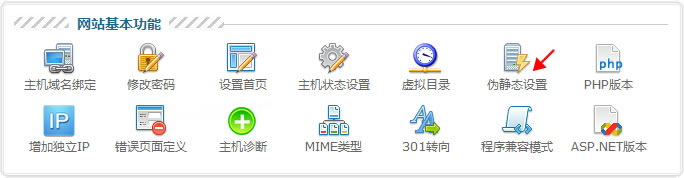
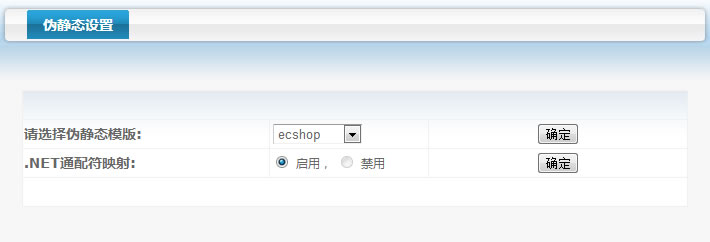
选择伪静态模板确定后会在站点根目录生成一个伪静态规则配置文件web.config,不同的模板伪静态规则不太一样[1],根据需要修改规则网站即可使用伪静态,以ecshop模板为例,下边是修改后的配置文件:
<?xml version="1.0" encoding="UTF-8"?>
<configuration>
  <system.webServer>
    <rewrite>
      <rules>
        <rule name="1" stopProcessing="true">
          <match url="^about\.html$" ignoreCase="true" />
          <action type="Rewrite" url="about/index.asp" />
        </rule>
        <rule name="2" stopProcessing="true">
          <match url="^news\/(\d+)\.html$" ignoreCase="true" />
          <action type="Rewrite" url="view/index.asp?id={R:1}.asp" />
        </rule>
      </rules>
    </rewrite>
  </system.webServer>
</configuration>说明:选择伪静态模板不是说网站就得使用这套程序,例如上边选择ecshop模板但网站实际是一个asp企业站。
补充说明
[1].西部数码伪静态模板大全:http://www.mzwu.com/pic/201405/west263-urlrewrite-webconfig.rar
评论(0)
暂无评论。