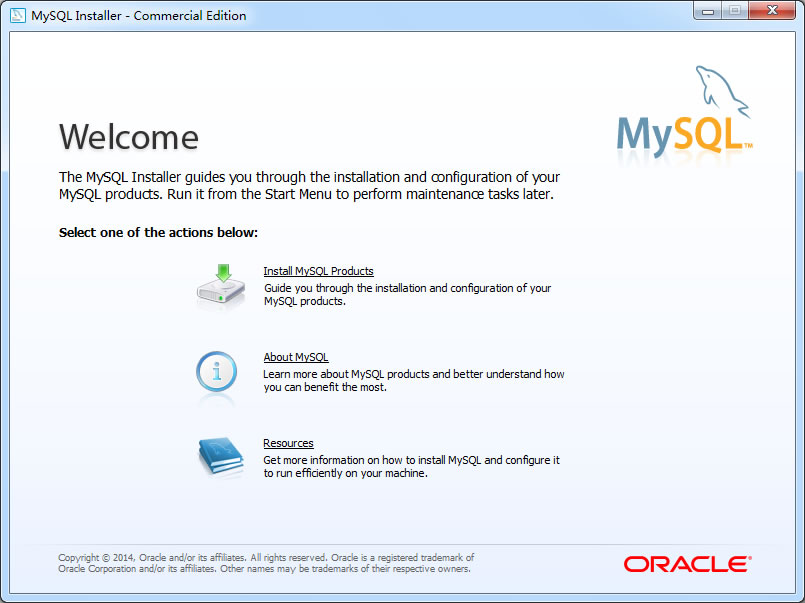
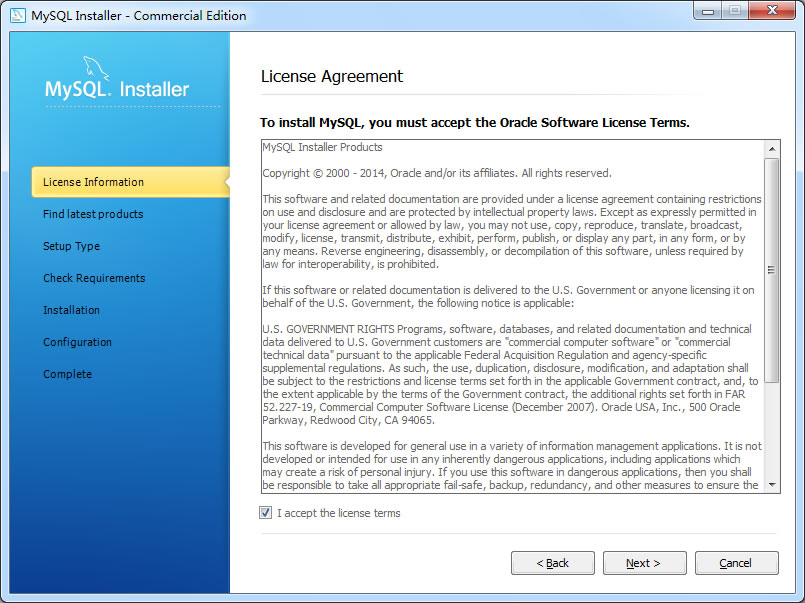
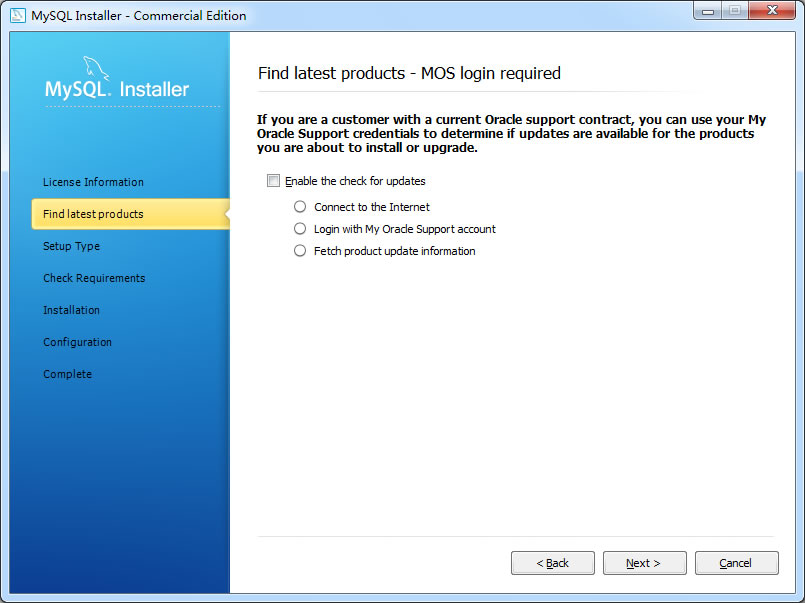
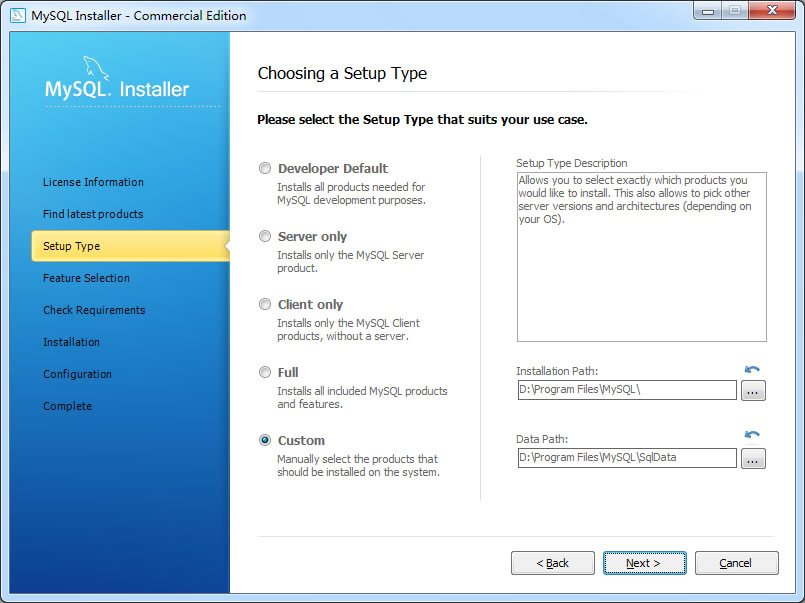
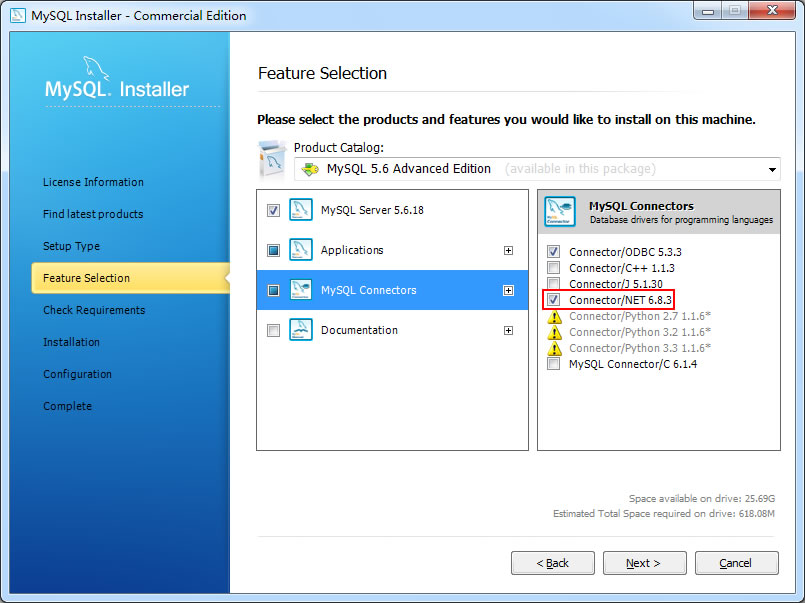


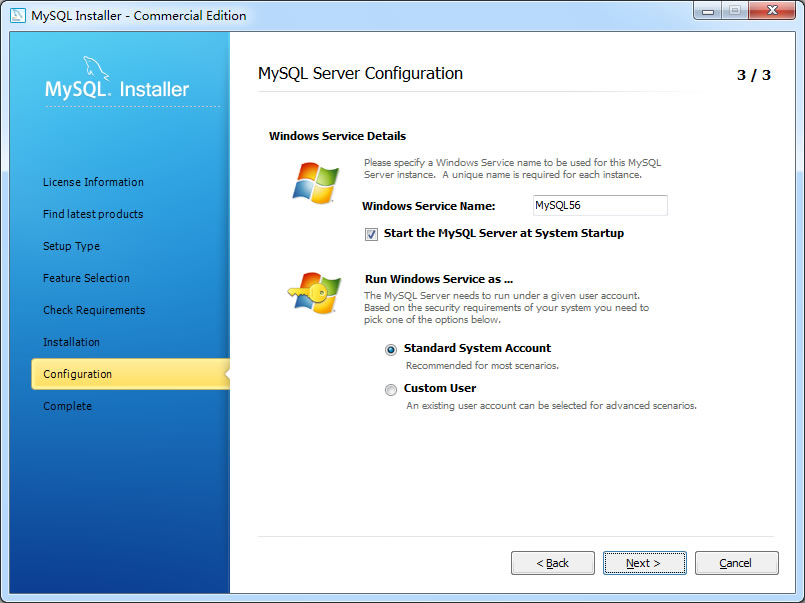
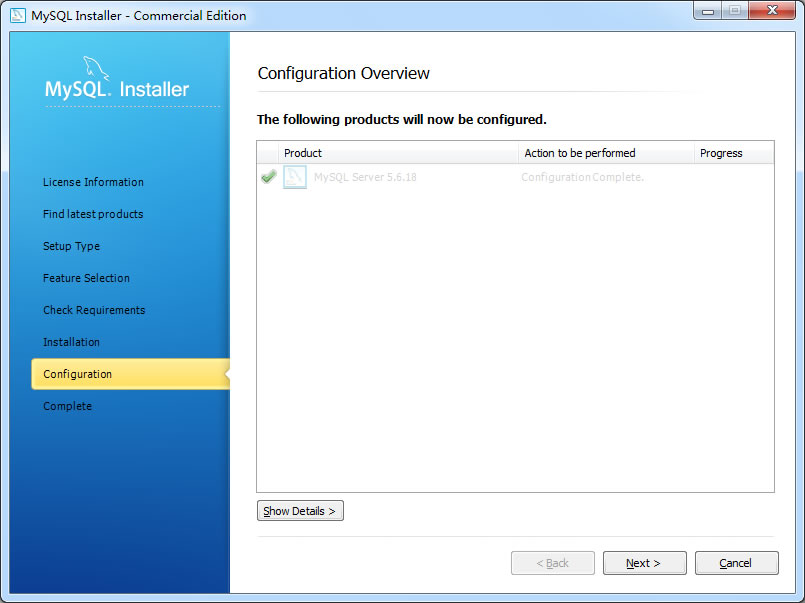
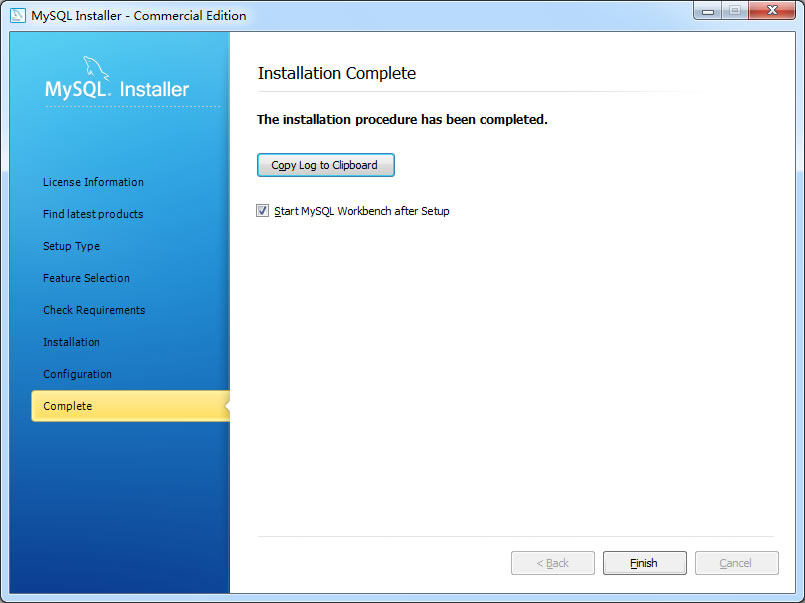
说明:选择安装功能时注意选择MySQL Connectors/NET。
二、创建测试数据
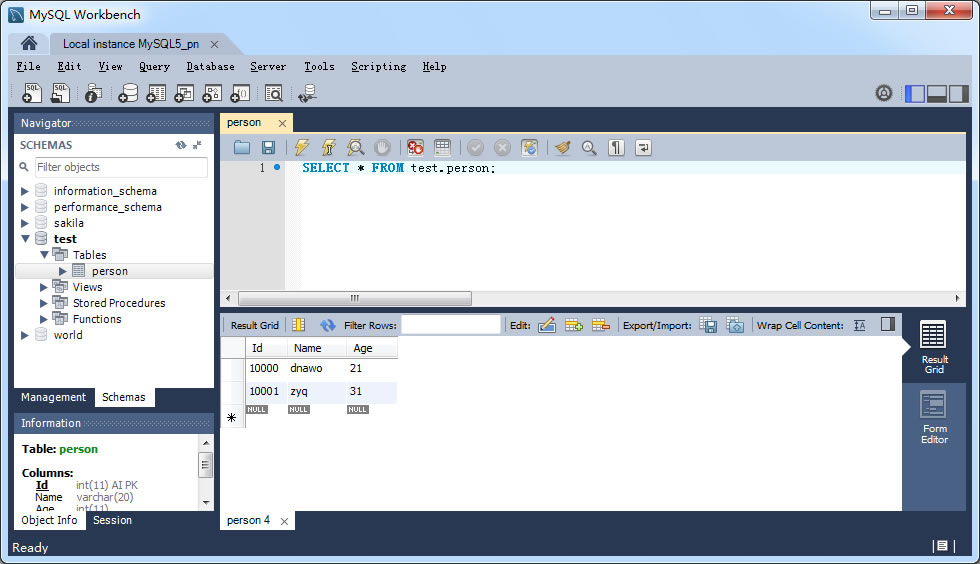
用MySQL Workbench连接数据库服务器,创建测试表添加数据:
三、.NET连接MySQL数据库示例
1).添加引用MySql.Data.dll,默认位置在C:\Program Files\MySQL\Connector NET 6.8.3\Assemblies;
2)..NET连接MySQL数据库:
using System;
using System.Data;
using MySql.Data.MySqlClient;

namespace ConsoleApplication1
{
    class Program
    {
        static void Main(string[] args)
        {
            using (MySqlConnection conn = new MySqlConnection("server=localhost;uid=root;pwd=root123;database=test"))
            {
                conn.Open();
                using (MySqlCommand cmd = new MySqlCommand("select * from Person", conn))
                {
                    MySqlDataReader reader = cmd.ExecuteReader(CommandBehavior.CloseConnection);
                    while (reader.Read())
                    {
                        Console.WriteLine("{0},{1},{2}", reader["Id"], reader["Name"], reader["Age"]);
                    }
                }
                conn.Close();
            }

            Console.ReadKey();
        }
    }
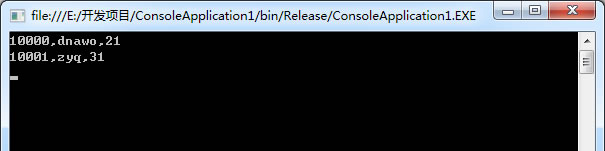
}
相关下载
[1].MySQL:http://www.mysql.com/downloads/
[2].MySQL Connectors:http://www.mysql.com/products/connector/
评论(0)
暂无评论。