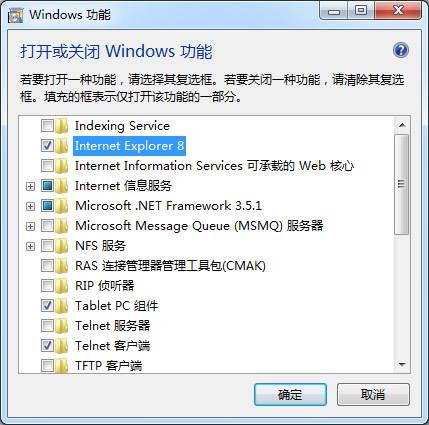
开始安装IE10:
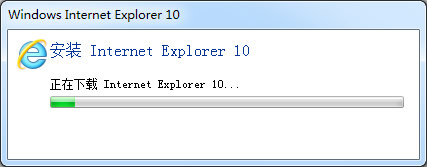
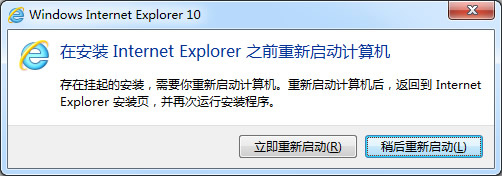
重启之后,桌面、安装文件夹死活找不到IE10。前边说要返回到Internet Explorer安装页再次运行安装程序,于是再次运行安装程序,却不能安装了:
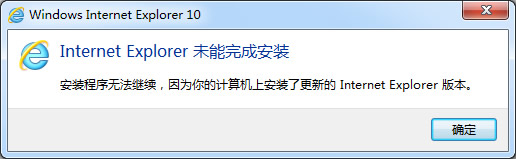
但电脑上连个IE10的鬼影都没有(C:\Program Files\Internet Explorer没有iexplore.exe):
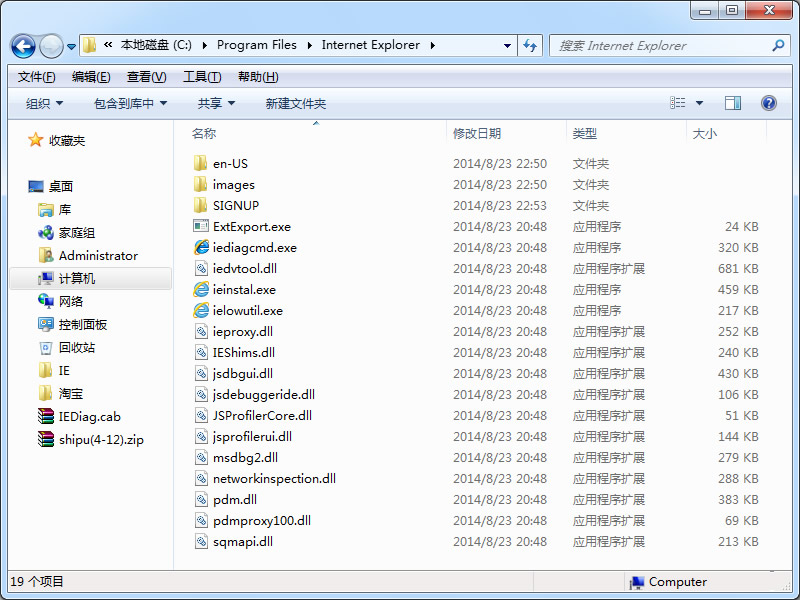
卸载程序中也找不到IE10,这IE10到底是安装了还是没安装?或者是安装了一半?继续度娘,原来IE10不在卸载程序里边,在"控制面板\程序\程序和功能\已安装更新"可以看到它:
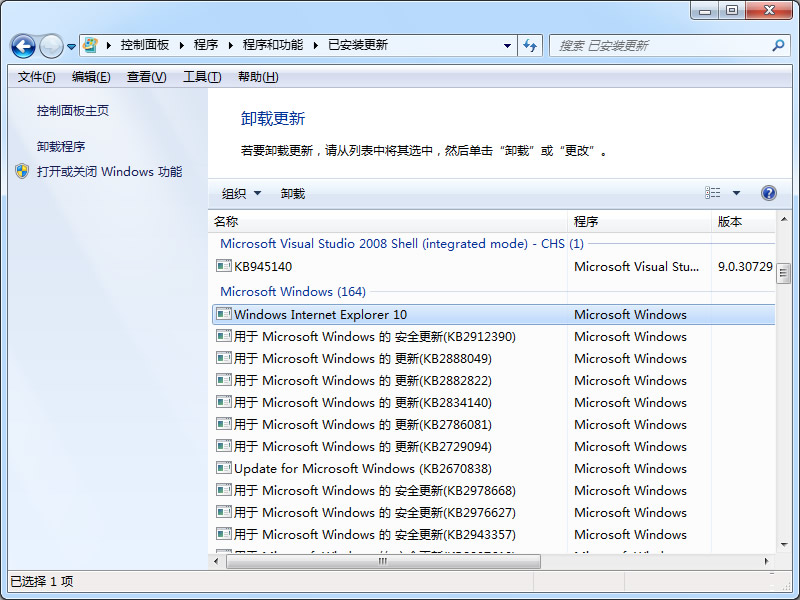
这么说是安装了一半,现在问题是在哪打开Internet Explorer安装页来运行安装程序?度娘无果,想起来最初有个下载Internet Explorer 10的过程,会不会是要运行下载的程序?搜索C盘修改日期为今天的文件,无果。
想起了ProcessMonitor,卸载IE10更新,重启,度娘卫士清理系统,运行ProcessMonitor,再次安装IE10,看到下载的文件了(窃喜):
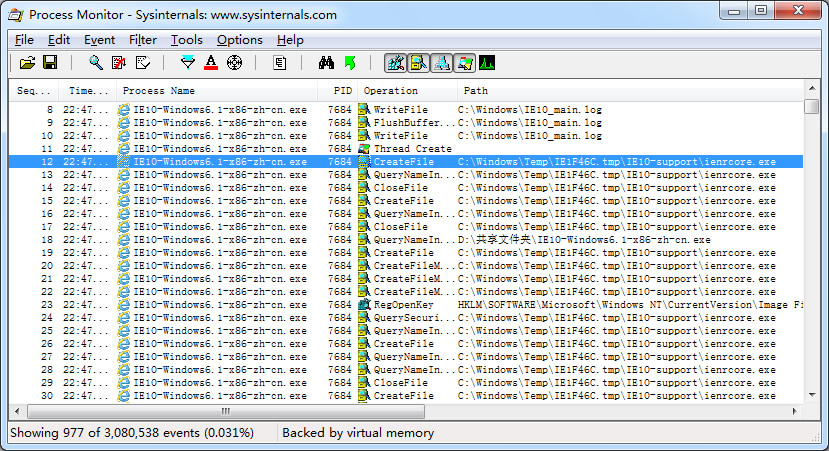
安装完成,重启,准备去运行那个下载的程序,才发现整个临时文件夹活生生没了,崩溃。
折腾了很久,无意中在C:\Windows看到了一个文件:IE10_main.log,看样子是IE10安装日志,打开,末尾处看到这么几行:
00:00.047: Started: 2014/08/23 (Y/M/D) 22:54:20.619 (local)
00:00.063: Time Format in this log: MM:ss.mmm (minutes:seconds.milliseconds)
00:00.078: Command line: "D:\共享文件夹\IE10-Windows6.1-x86-zh-cn.exe"
00:00.110: INFO: Setup installer for Internet Explorer: 10.0.9200.16521
00:00.281: INFO: Previous version of Internet Explorer: 10.0.9200.17028
00:00.297: INFO: Checking if iexplore.exe's current version is between 10.0.8100.0...
00:00.312: INFO: ...and 10.1.0.0...
00:00.328: INFO: Maximum version on which to run IEAK branding is: 10.1.0.0...
00:00.344: ERROR: A newer version of Internet Explorer is already installed on the system.
00:00.359: ERROR: Internet Explorer version check failed.
00:04.322: INFO: Setup exit code: 0x00009C48 (40008) - A more recent version of Internet Explorer is installed.
00:04.353: WARNING: Checking version for C:\Program Files\Internet Explorer\iexplore.exe. The file does not exist.
00:04.400: INFO: Cleaning up temporary files in: C:\Windows\TEMP\IE1AE8.tmp
00:04.446: INFO: Unable to remove directory C:\Windows\TEMP\IE1AE8.tmp, marking for deletion on reboot.
00:04.462: INFO: Released Internet Explorer Installer Mutex
这个找不到的iexplore.exe会是最开始卸载的IE8么?卸载IE10,打开或关闭Windows功能钩回IE8,完成后再安装IE10,成功!!!从中午折腾到了晚上,重启系统几十次,泪奔-_-||
相关资源
[1].IE10官方下载:http://www.microsoft.com/zh-cn/download/internet-explorer-10-details.aspx
评论(0)
暂无评论。