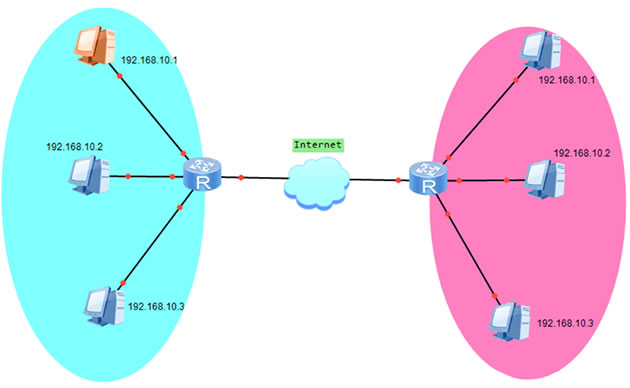
前提条件:frp内网穿透需一台拥有固定公网IP的电脑做为中转节点(服务器),云主机传送门:www.aliyun.com。
一、公网(服务器端)电脑设置
将frps.exe和frps.ini两个文件复制到服务器端电脑,打开frps.ini文件内容修改为:
[common]
bind_port = 7000
vhost_http_port = 8080
# for authentication
token = 654321在cmd中运行下边命令:
frps.exe -c frps.ini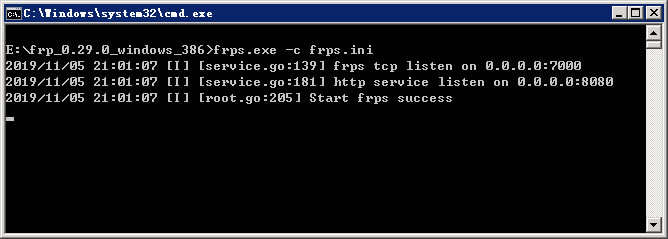
服务器端电脑设置完成。
二、内网(客户端)电脑设置
将frpc.exe和frpc.ini两个文件复制到客户端电脑,打开frpc.ini文件内容修改为:
[common]
# xxx.xxx.xxx.xxx 修改成你的公网IP
server_addr = xxx.xxx.xxx.xxx
server_port = 7000
# for authentication
token = 654321

[rdp]
type = tcp
local_ip = 127.0.0.1
local_port = 3389
remote_port = 7001

[web01]
type = http
local_ip = 127.0.0.1
local_port = 80
custom_domains = web01.mzwu.com

[web02]
type = http
local_ip = 127.0.0.1
local_port = 80
custom_domains = web02.mzwu.com在cmd中运行下边命令:
frpc.exe -c frpc.ini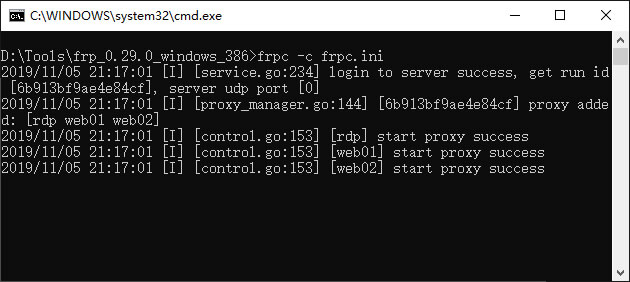
客户端电脑设置完成。
三、访问测试
设置内网电脑"允许远程连接到此计算机"(计算机->属性->远程设置),在任意电脑用xxx.xxx.xxx.xxx:7001即可远程控制内网电脑。
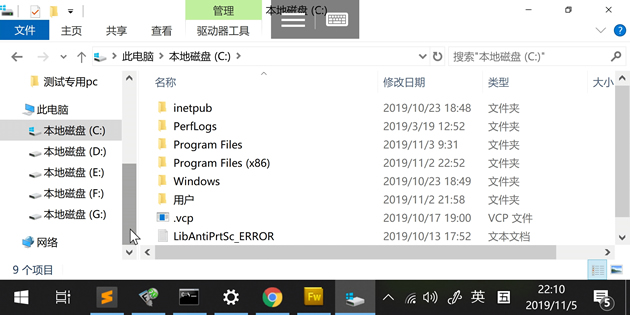
将域名解析到公网IPxxx.xxx.xxx.xxx,在内网WEB服务器绑定域名,用http://web01.mzwu.com:8080/即可访问内网WEB站点。

四、常见错误
错误1(frps):Create vhost http listener error, listen tcp 0.0.0.0:80: bind: An attempt was made to access a socket in a way forbidden by its access permissions.
解决方法:端口被其他应用程序占用,关闭其他应用程序或改用其他端口。
错误2(frpc):[rdp] start error: port already used
解决方法:远程端口已被使用,改用其他端口。
错误3(frpc):[web01] start error: proxy name [web01] is already in use
解决方法:代理名称[web01]已被使用,检查并更换一个代理名称。
错误4(frpc):[web01] start error: router config conflict
解决方法:[web01]指定的域名(custom_domains)已被使用,检查并更换其他域名。
错误5(frpc):work connection closed, EOF
解决方法:连不上服务器端,检查服务器端运行是否正常,服务器端恢复后客户端会自动恢复连接。
相关链接
[1].frp下载:https://github.com/fatedier/frp/releases
[2].frp文档:https://github.com/fatedier/frp/blob/master/README_zh.md
评论(0)
暂无评论。