 引用内容
引用内容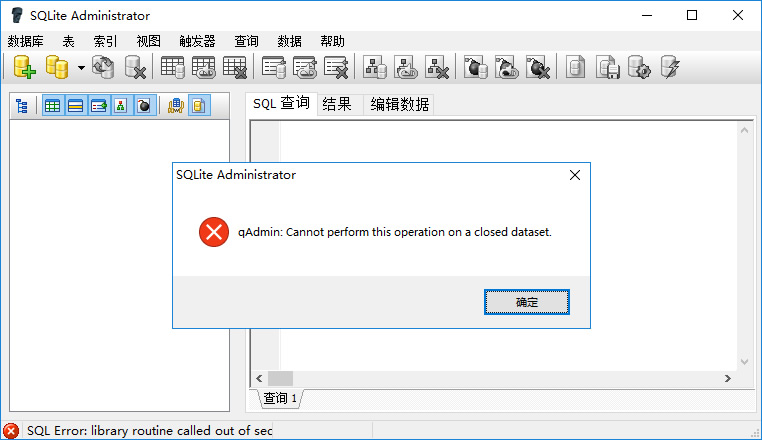
 程序代码
程序代码


不错呦!smile@林凯西,确保“准备文件”中的几个文件都有安装,S...您好,看了您这篇帖子觉得很有帮助。但是有个问题想请...我的修改过了怎么还被恶意注册呢 @jjjjiiii 用PJ快9年了,主要是A...PJ3啊,貌似很少有人用PJ了,现在不是WP就是z...@332347365,我当时接入时错误码没有-10...楼主,ChkValue值应为-103是什么意思呢?...大哥 你最近能看到我发的信息,请跟我联系,我有个制...
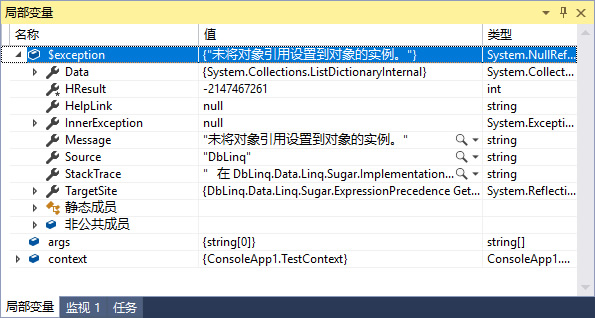
 Linq to SQlite出错"未将对象引用设置到对象的实例"解决方法
编辑:dnawo 日期:2019-02-11
qAdmin:cannot perform this operation on a closed dataset解决方法
编辑:dnawo 日期:2019-02-04
Linq to SQlite简单示例(DbLinq版)
编辑:dnawo 日期:2019-02-03
一、准备文件:
■SQLite Administrator:https://sqliteadmin.orbmu2k.de/
■System.Data.SQLite:http://system.data.sqlite.org/index.html/doc/trunk/www/downloads.wiki (下netFx35-binary-bundle-Win32这个版本)
■DbLinq: https://github.com/dblinq/dblinq2007 (本地下载)
■SQLite Administrator:https://sqliteadmin.orbmu2k.de/
■System.Data.SQLite:http://system.data.sqlite.org/index.html/doc/trunk/www/downloads.wiki (下netFx35-binary-bundle-Win32这个版本)
■DbLinq: https://github.com/dblinq/dblinq2007 (本地下载)
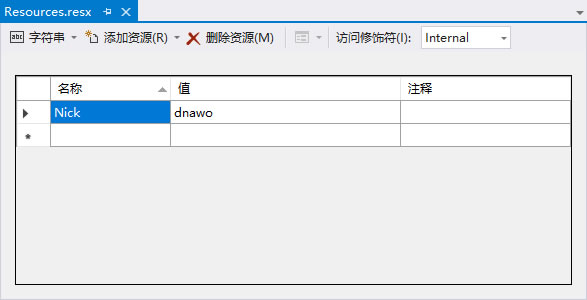
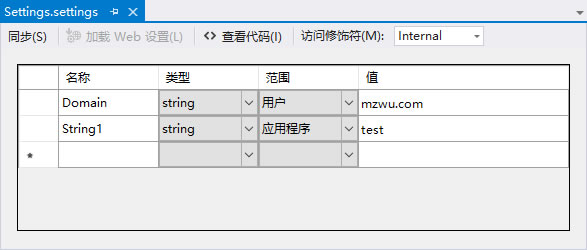
WinForm字符串保存在Resources和Settings的区别
编辑:dnawo 日期:2017-03-30
折腾一晚,终于安装上了Visual Studio 2017
编辑:dnawo 日期:2017-03-29
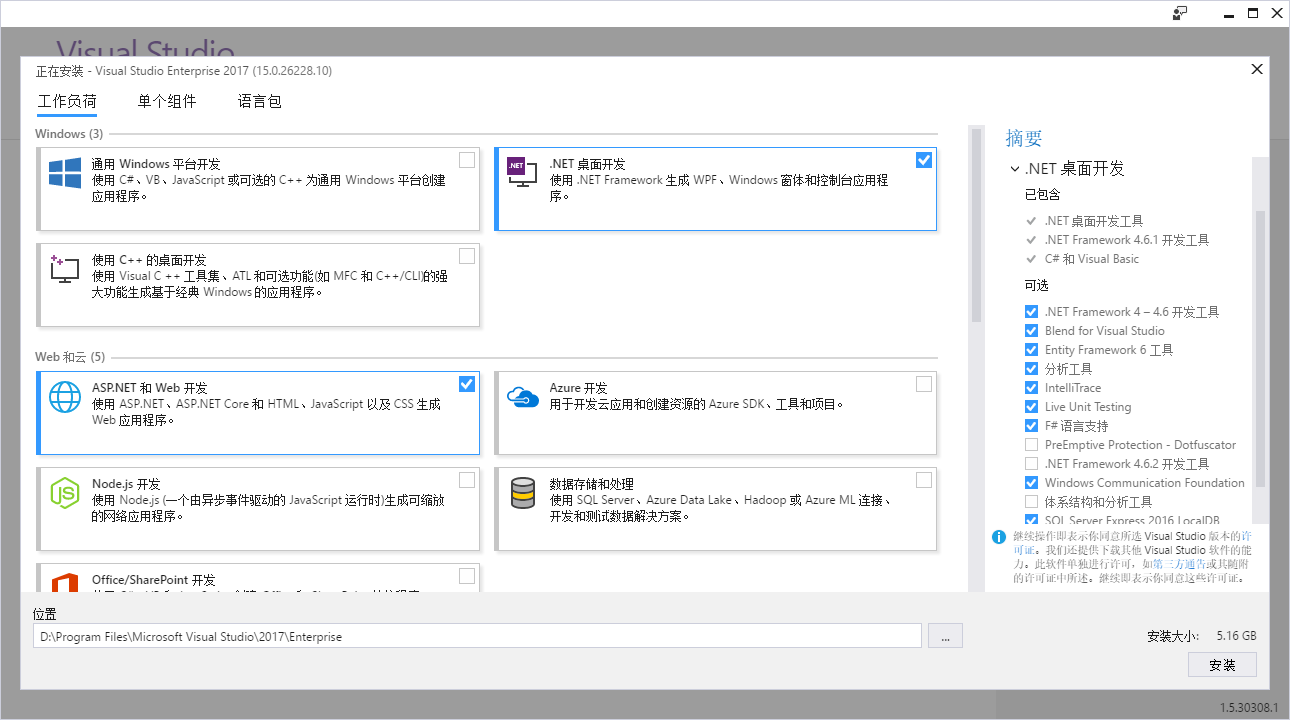
Visual Studio 2017采用了新的模块化安装方案,微软官方没有提供ISO镜像格式的离线安装包,仅提供一个EXE格式的在线安装程序。虽然官方有说明怎么下载Visual Studio 2017离线安装包进行离线安装,但想想反正都得下载,不如模块化安装按需下载可能快些,却也折腾了一晚上。

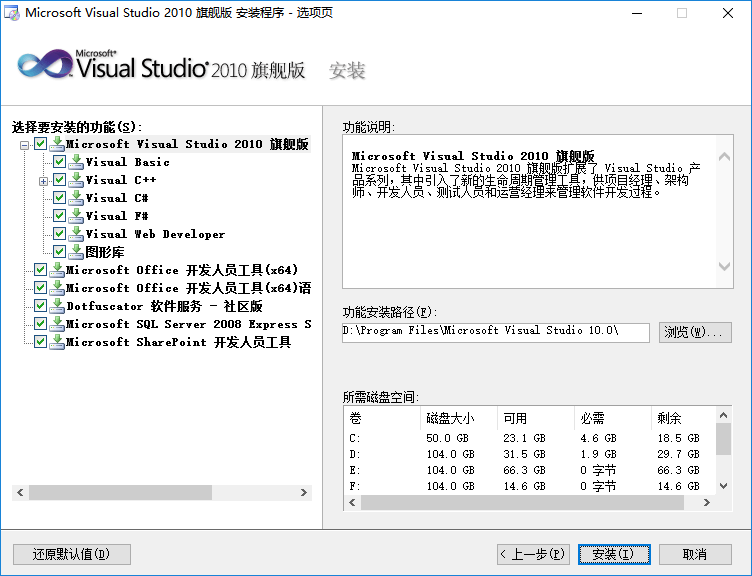
Visual Studio 2010+ 可选功能
编辑:dnawo 日期:2017-03-28
C#读取并显示其他应用程序图标示例
编辑:dnawo 日期:2016-11-05
Modular InnoSetup Dependency Installer[转]
编辑:dnawo 日期:2016-11-03
Introduction
This article contains a modular InnoSetup install script that downloads (if setup files don't exist locally) and installs various dependencies like .NET Framework 1.1/2.0/3.5/4.0/4.6 or C++ Redistributable 2005/2008/2010/2012/2013/2015 on 32-bit and 64-bit Windows.
Background
This article contains a modular InnoSetup install script that downloads (if setup files don't exist locally) and installs various dependencies like .NET Framework 1.1/2.0/3.5/4.0/4.6 or C++ Redistributable 2005/2008/2010/2012/2013/2015 on 32-bit and 64-bit Windows.
Background
Inno Setup检测安装.Net Framework运行环境脚本
编辑:dnawo 日期:2016-10-31
Check .NET Version with Inno Setup[转]
编辑:dnawo 日期:2016-10-31
Inno Setup by Jordan Russell is a great installation scripting program, but lacks a built-in function to determine the .NET Framework version installed on the target machine. Fortunately, it’s easy to write such a function using Inno Setup’s Pascal scripting language.
The Versions
Microsoft maintains a set of registry keys that indicate the installed .NET Framework versions and service packs. C# MVP Scott Dorman has posted a list comprising versions 1.0 through 4.0 (at the time of this writing) in this Stack Overflow thread. The required registry keys are quite similar for most .NET Framework versions except 1.0. We’ll ignore that version which has been obsoleted by 1.1 anyway.
The Versions
Microsoft maintains a set of registry keys that indicate the installed .NET Framework versions and service packs. C# MVP Scott Dorman has posted a list comprising versions 1.0 through 4.0 (at the time of this writing) in this Stack Overflow thread. The required registry keys are quite similar for most .NET Framework versions except 1.0. We’ll ignore that version which has been obsoleted by 1.1 anyway.

